IGNOU Admission Process: How to Apply, Eligibility, Documents, Fees
This guide explains how to apply to IGNOU through the official admission portal, eligibility rules for different programmes, required documents, fee payment, and support from regional centres. Follow the steps below to complete your admission smoothly.
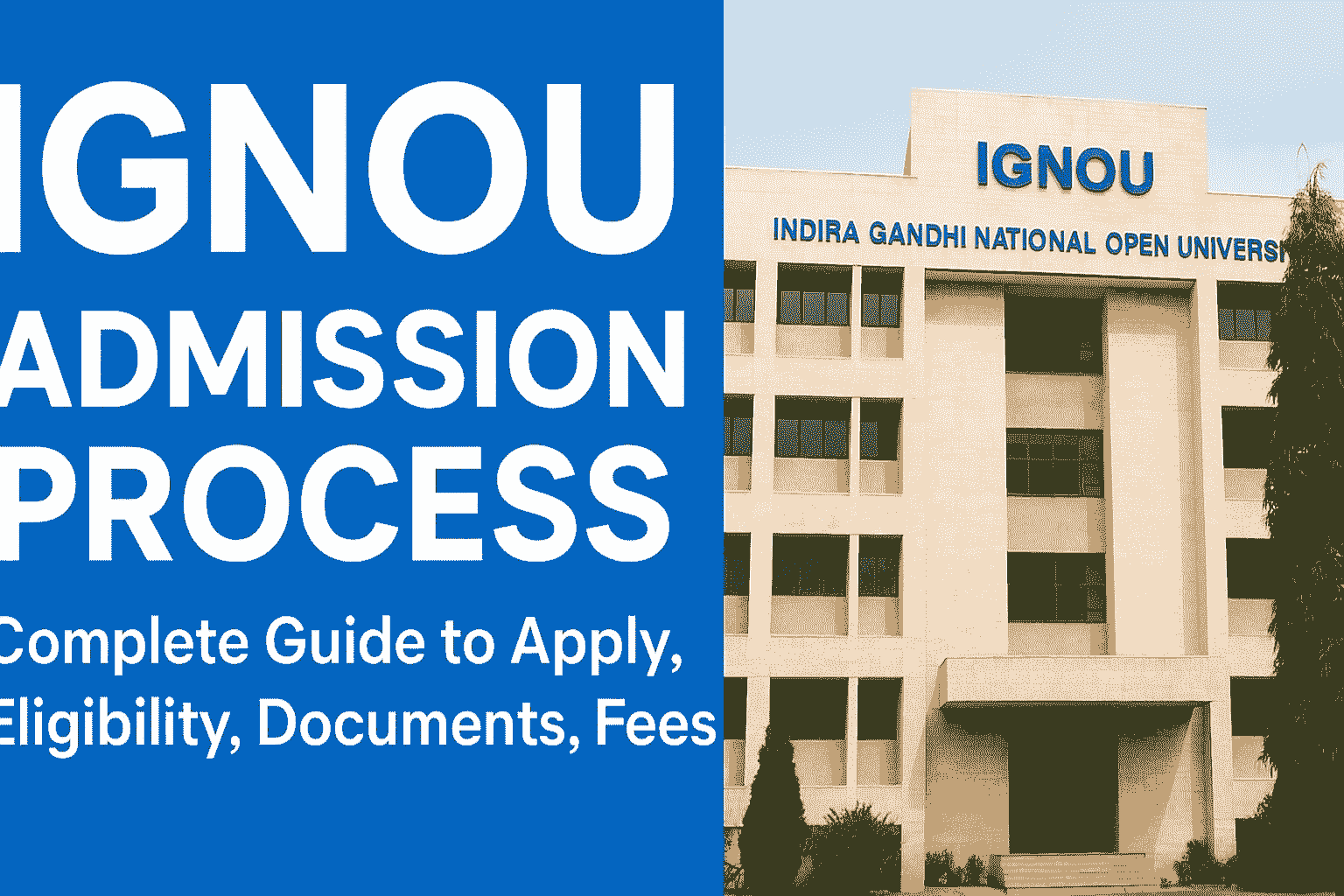
- Overview: What is IGNOU and modes of study
- Which programmes are open for admission (UG / PG / Diploma / Certificate / PhD)
- Eligibility criteria: programme-wise summary
- Documents required for fresh admission and re-registration
- Step-by-step online admission process (official portal)
- Fee structure and payment options
- Admission after entrance (where applicable)
- Role of Regional Centres and study centres
- Common queries and troubleshooting
- Checklist and quick links
Overview — IGNOU and Modes of Study
Indira Gandhi National Open University (IGNOU) is a national open university that offers programmes through distance (Open and Distance Learning — ODL) and online modes. IGNOU provides flexible admission paths for learners across certificate, diploma, undergraduate, postgraduate and research programmes. For most programmes, candidates can apply online through the official admission portal and complete document verification at a regional study centre if required.
Key points (at a glance)
- Apply online via the official admission portal or the dedicated online programmes portal.
- Admission modes include fresh admission, re-registration (for continuing students), and direct online programmes.
- Programme-specific eligibility or entrance tests may apply for selected courses (check programme details).
Which Programmes Can You Apply For?
IGNOU offers a wide range of programmes. Major categories include:
- Certificate programmes: Short-duration skill and value-add courses.
- Diploma and PG Diploma: Focused professional or vocational modules.
- Undergraduate (UG): e.g., B.A., B.Com, B.Sc, BCA, BBA (where offered).
- Postgraduate (PG): e.g., M.A., M.Sc, M.Com, MBA (management), M.Ed, etc.
- Doctoral programmes (PhD): Admission via specific PhD portal and rules.
Eligibility Criteria — Programme-wise Summary
Eligibility differs by programme. Below are common eligibility rules — always confirm on the official programme page before applying.
| Programme | Typical Eligibility |
|---|---|
| Certificate | 10th / 12th pass or as specified in the programme prospectus |
| Diploma / PG Diploma | 10+2 / Graduate or as specified; some PG Diplomas require graduation |
| Undergraduate (UG) | 10+2 pass or equivalent; subject-specific requirements for some programmes |
| Postgraduate (PG) | Bachelor's degree in any discipline or as specified; some programmes require entrance or minimum marks |
| MBA / Management | Graduation required; entrance criteria may be applied (programme page will state if entrance required) |
| PhD | Master's degree with required minimum marks and fulfilment of PhD admission rules (check PhD portal) |
Documents Required for Admission
Prepare scanned copies (PDF/JPG) of the following documents before starting the online form. Document requirements can vary by programme.
- Recent passport-size photo (as specified by the admission portal).
- Signature (scanned) as per specifications.
- Proof of identity: Aadhaar / Voter ID / PAN / Passport.
- Educational Certificates: mark sheets and passing certificates (10th, 12th, Graduation, Post Graduation as applicable).
- Category certificate (SC / ST / OBC) if applying under reservation.
- Existing IGNOU enrolment / registration letter (for re-registration or transfer).
- Experience certificate (where applicable for professional programmes).
- Any other document asked in programme-specific instructions (e.g., OPENMAT scorecard if required in the past — check programme page).
Step-by-step Online Admission Process (Official Portal)
The online admission flow on IGNOU's admission portal follows standard steps. Use the official admission portal for ODL programmes or the Online Programmes portal for fully online courses.
- Open the official admission portal: Visit the official IGNOU admission portal (the Samarth/Admission portal) or the online programmes portal to start registration. This is the official route for fresh registrations and application submission.
- Create an account / Register: Click on “New Registration” or “Register” and create a username using an active email address. Use accurate details exactly as they appear on your educational documents. Keep the login credentials safe for future use.
- Login and choose 'Fresh Admission' or Program: After account creation, log in and choose the appropriate admission option (fresh admission / re-registration / online programme). Select the programme you wish to apply for and read the programme guidelines and eligibility carefully.
- Fill the application form: Complete personal details, address, educational qualifications, programme choices (if multiple allowed), and any entrance test details (if asked). Double-check spelling of name and date of birth — these must match certificates.
- Upload scanned documents: Upload the photo, signature, identity proof and educational certificates according to the prescribed file size and format. Incomplete uploads may delay verification.
- Pay the application and registration fee: Pay the required fee using online payment options available on the portal (debit/credit card, netbanking, UPI, etc.). Keep the payment receipt / transaction ID for records.
- Confirmation & printout: After successful payment, a confirmation page is generated. Download and print the application confirmation / fee receipt and retain for future verification.
- Document verification (if required): For certain programmes or local policies, you may have to visit the concerned Regional Centre or Study Centre for original document verification. The portal or acknowledgement will specify if physical verification is required.
- Admission status & enrolment no.: Once verified, the portal will display your enrolment number and student details. You will also receive communications on the registered email / mobile.
Fee Structure and Payment Options
Fees vary by programme and are displayed on the programme page during application. IGNOU typically accepts online payment methods on its admission portal. Fee concessions, waivers or special schemes (for reserved categories or specific programmes) may be available — check official programme instructions.
Entrance Exams and Merit-based Admissions
Certain IGNOU programmes in the past required entrance tests (for example, management programmes had OPENMAT). Admission rules evolve; some management admissions have been administered via entrance tests or merit criteria. Always verify the requirement for your chosen programme on the official programme page before applying. If an entrance test applies, the admission portal or programme brochure explains how to submit scores or apply for the test.
Role of Regional Centres and Study Centres
IGNOU has Regional Centres and Study Centres across the country. These centres support applicants and students with:
- Assistance during registration and document verification.
- Clarifying programme queries and study material distribution.
- Conducting term-end examinations and local academic activities.
If you face technical or verification issues, contact the Regional Centre listed on the official IGNOU website.
Re-registration and Continuing Students
Students already registered with IGNOU who wish to continue courses must use the Re-registration / Online Re-registration portal. The re-registration portal allows existing students to register for the next set of courses or semesters. Follow the re-registration procedures on the official portal to avoid missing deadlines.
Common Issues & Troubleshooting
- OTP not received: Check mobile number, spam folder (for email), and use ‘Resend OTP’ on the portal. If problem persists, approach your Regional Centre.
- Document upload failed: Confirm file format and maximum size as specified on the portal. Resize or convert files where necessary.
- Payment failure: Confirm transaction status with your bank and check portal payment receipt; if amount debited and portal did not confirm, contact the admission helpdesk or regional office with payment proof.
- Forgot password: Use the portal’s password recovery link or contact the Regional Centre for reset assistance.
Checklist — Quick Before You Apply
- Active email and mobile number for registration & OTPs.
- Scanned passport-size photo and signature in correct format.
- Scanned educational certificates and ID proof ready.
- Bank card / UPI details for online payment.
- Know the correct programme code and mode (ODL / Online).
Frequently Asked Questions (FAQ)
Q. Where do I apply for IGNOU programmes?
A. Use the official IGNOU admission portal for ODL programmes or the Online Programmes admission portal for fully online courses. Check the IGNOU website for trusted links and help pages.
Q. Can I apply from anywhere in India?
A. Yes — IGNOU allows applicants from anywhere to apply online. For document verification, you may need to visit the assigned Regional Centre or Study Centre if physical verification is insisted upon.
Q. How will I receive study material?
A. IGNOU sends study material by post and also provides digital resources through its online portals and student support pages. Study centre distribution practices may vary by course.
Q. Is there a seat limitation like regular colleges?
A. Many IGNOU programmes have open enrolment (subject to eligibility) and are designed for large-scale distance learners, but some professional or specialised programmes may have limited seats or eligibility criteria.
Useful Links (Official)
- IGNOU Official Website — Programmes & Admissions
- IGNOU Admission Portal (Student Registration)
- IGNOU Online Programmes Portal
- IGNOU Re-registration Portal
- IGNOU Student Services: Admissions & Help
If you need a custom step-by-step walkthrough with screenshots of the admission portal while you apply, or an HTML blog with downloadable checklist PDF, tell me and I will prepare it for your site.